
Photograph for the pages you will actually publish. A focused shot list helps a redesigned agency website feel like your real operation—people, place, and work—not a generic office template.
I have learned that business photography does not have to be perfect to be useful. I look for real images that are polished enough to help someone understand what to expect. When I look up a restaurant, photos of the atmosphere and food help me picture being there. I apply the same thinking to an agency website: show the real people and setting a client will encounter.
For an insurance agency, prioritize the people clients will speak with and the space they will visit. A service business may need images of work in progress; a hotel may need accurate room and arrival photos; an online store may need product details. Let the customer’s next question guide the shot list.
Begin with the pages
List each page and the job an image must do. The homepage may need a strong introduction. About needs recognizable people. A service page may need a real working interaction. Planning around placement gives a photographer a better brief than “office photos.”
Capture people in context
Include clear portraits and natural working scenes in spaces clients would recognize. Watch background clutter and sensitive information on screens. Agree who can be photographed and how images will be used before the shoot. Aim for an honest view of the business.
Make room for the layout
Ask for horizontal and vertical compositions with some space around the subject. Images with negative space work with headlines; tighter portraits suit team sections. Capture alternatives so mobile crops do not remove a face or key detail.
Remember the smaller moments
Materials, signs, hands at work, and ordinary office details add variety. Use them to support the story—not to imply services, clients, or relationships that are not accurate.
Create a usable library
Organize finals by subject and intended use. Keep full-resolution originals and web-ready versions. Record people shown, shoot date, and usage limits. Descriptive filenames help when a content plan or newsletter needs an image quickly.
Keep the captions honest
A photo of a client or partner belongs only in a clearly identified project context. It should never appear as if those people work at your agency unless they do. Accurate captions help visitors understand what they see.
Examples from a client photography library
From the Harmony image library

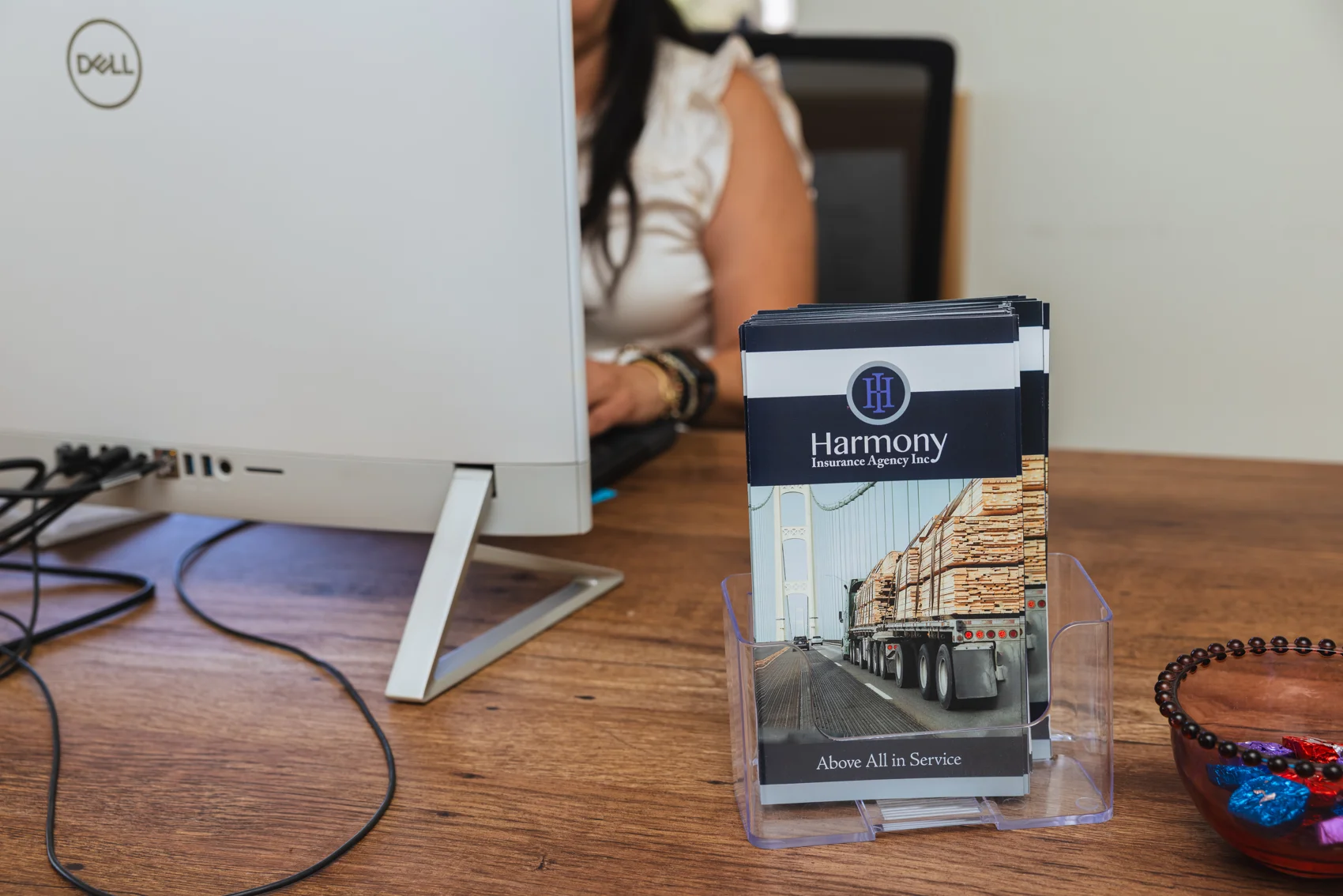
Original client photography for Harmony Insurance. The people pictured work at Harmony, not The Weekend Agency.
Starter shot list (first session)
- One exterior that matches how clients arrive
- A portrait of each participating team member (horizontal and vertical)
- Two natural working interactions (desk, meeting, or phone—without sensitive screens)
- Brand details: signage, materials, tools of the trade (select only what is accurate)
- Alternates for mobile crops and future layouts
Photographer brief (one page)
- Pages that need images this quarter
- Must-have people and spaces (with written permission notes)
- Must-avoid: clutter, confidential paperwork, misleading “team” scenes
- Deliverables: selects list, web crops, and a simple filename convention
If you want help planning website content and visuals for a redesign, book a 15-minute consultation or use contact (andrew@theweekendagency.com · (805) 242-3382).